 Sundown
Unload
Everything still open goes on the list. If it's written down, your brain can stop tracking it.
Sundown is a three-minute evening ritual that gets every unfinished task out of your head, decides what happens to it, and lets you actually stop.
Try the full app for €5 for 7 days. Then €19/month. Cancel before renewal to avoid the next charge.
 Sundown— ☐ ✕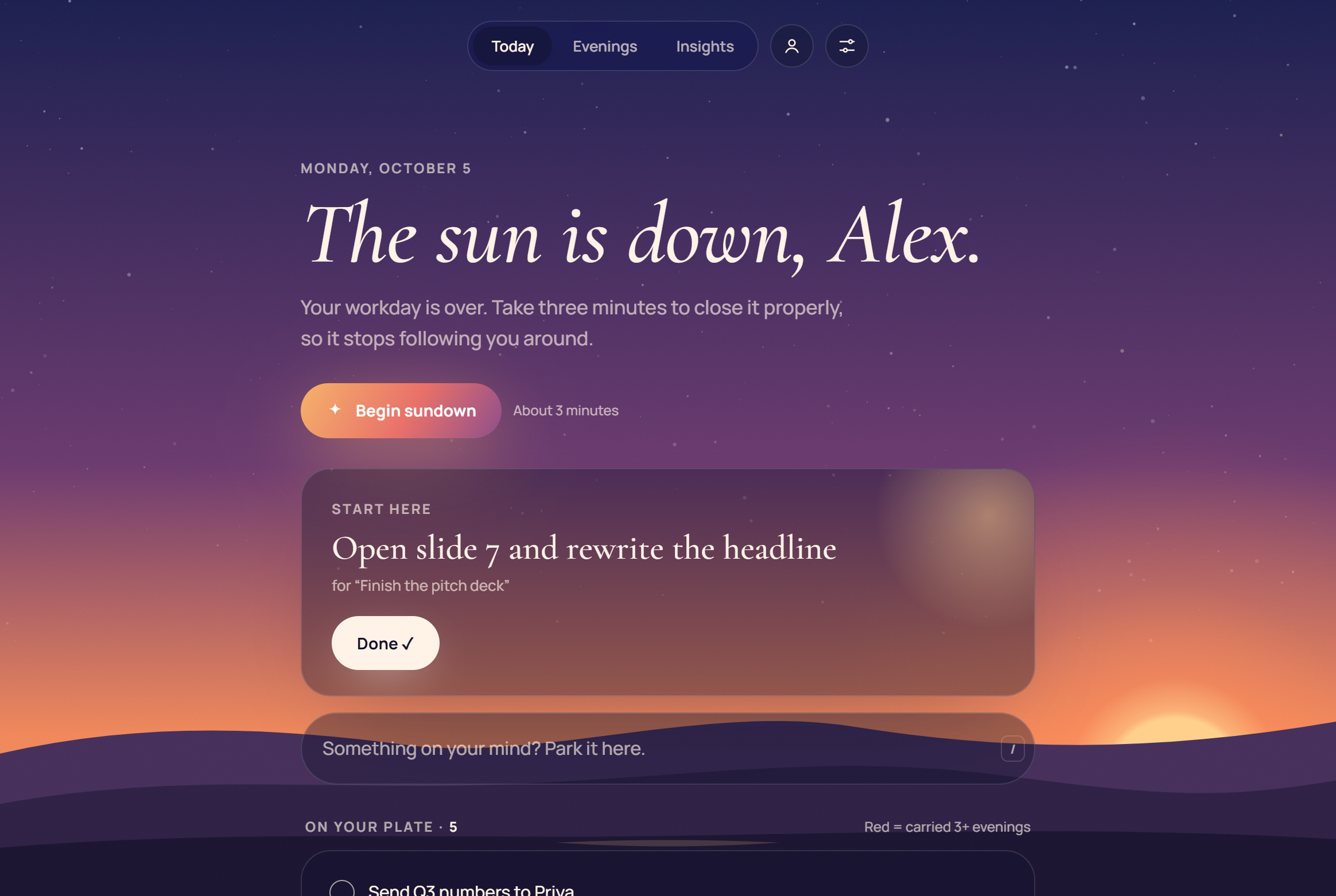
When you stop in the middle of something, part of your attention stays behind with it. Close the laptop with ten loose ends and your brain keeps quietly tracking all ten: at dinner, in the shower, at 2 a.m.
It isn't a discipline problem. It's an open-loop problem, and open loops close when you write down a plan for them.
Background: Leroy (2009), Organizational Behavior and Human Decision Processes; Masicampo & Baumeister (2011), Journal of Personality and Social Psychology.
At your sundown, a Windows notification turns the sky in the app gold and Sundown walks you through closing the day. Each step brings the sun a little lower.
Everything still open goes on the list. If it's written down, your brain can stop tracking it.
One card at a time: tomorrow, park it, let it go, or done. Tasks you keep dodging get flagged as ghost loops.
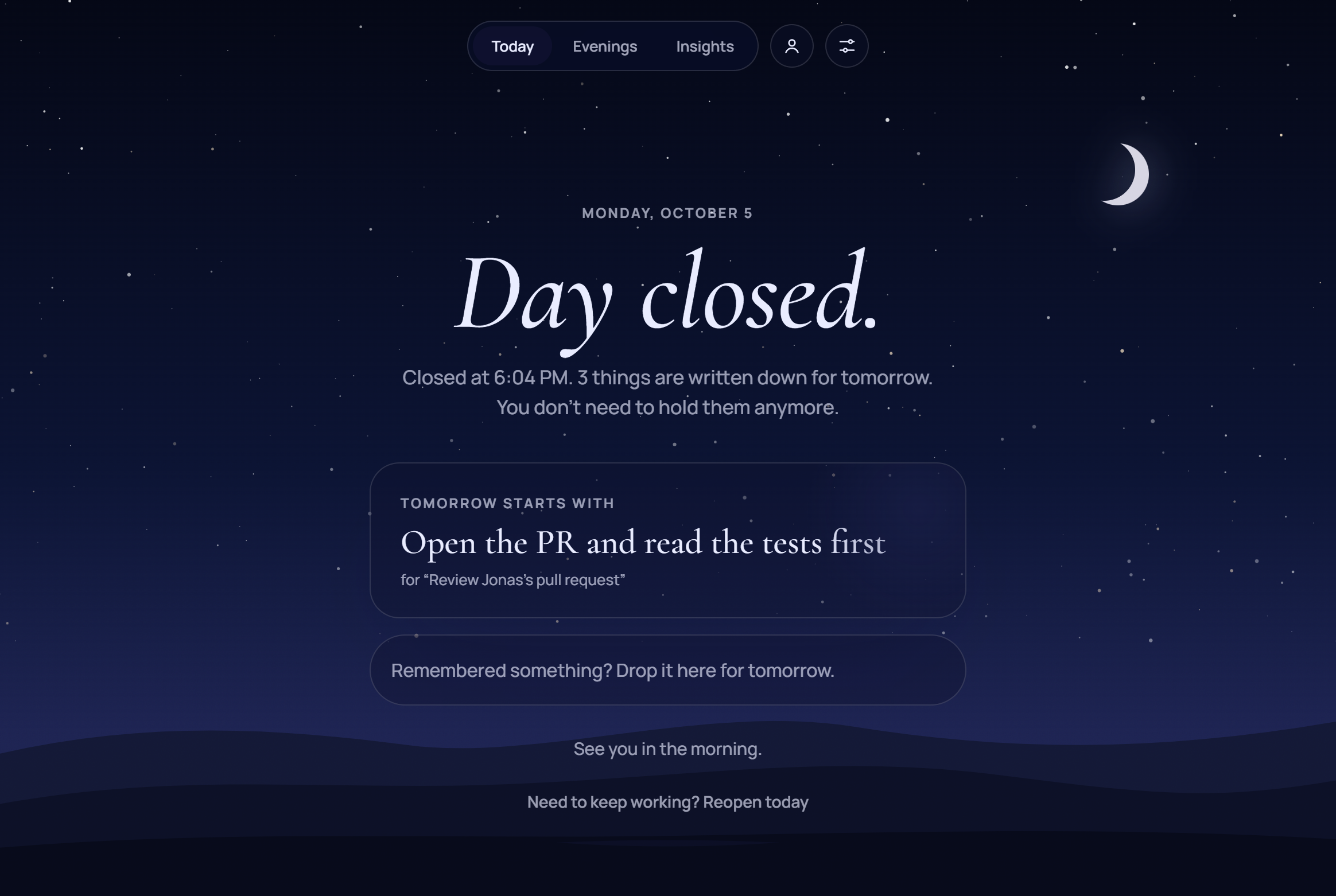
Pick what starts tomorrow and write its first small step, so morning-you has nothing to figure out.
Note one good thing, press and hold. The sun sets, the stars come out, and the day is officially over.
Create your account, start your 7-day trial, and the download unlocks straight away.
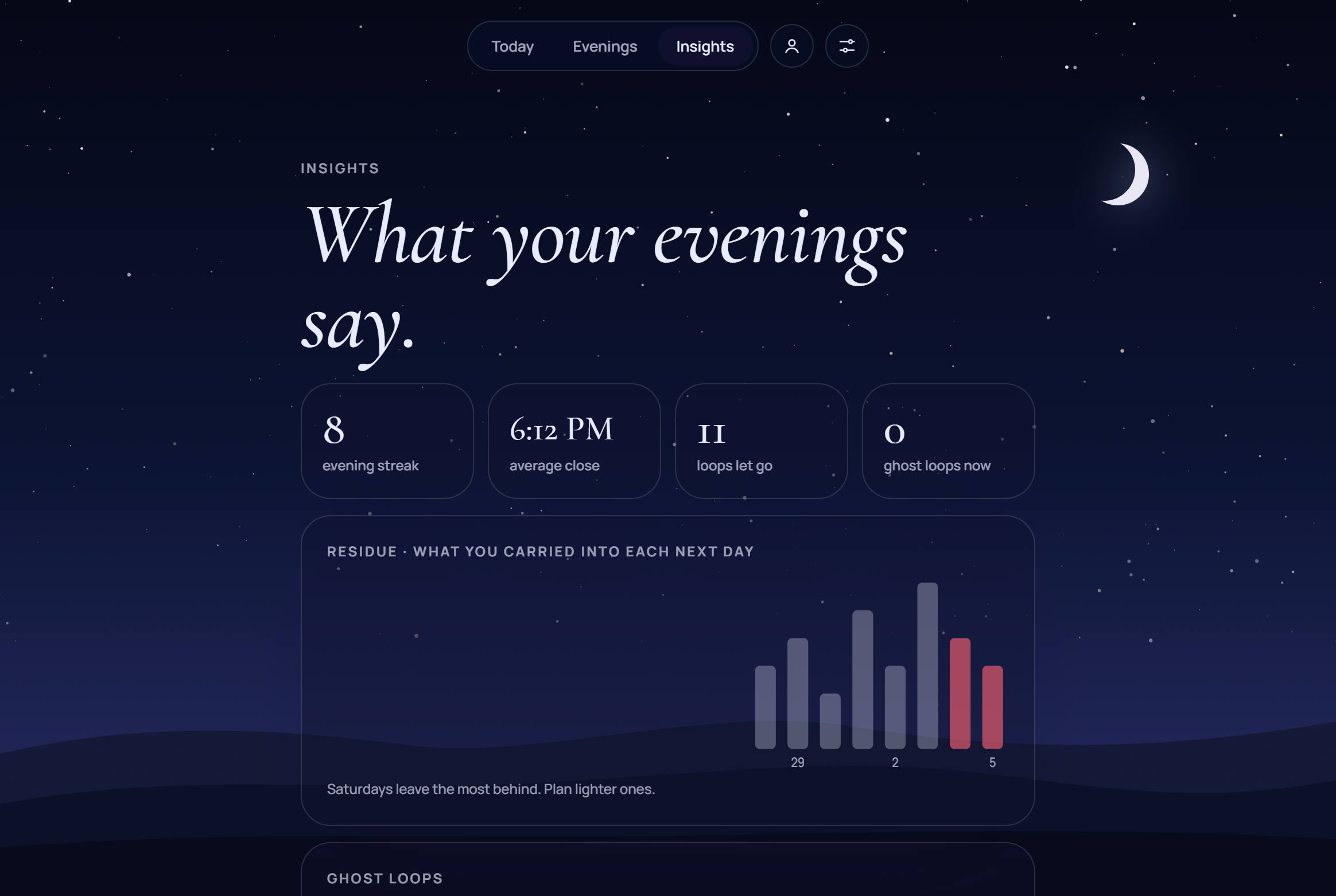
Insights shows what keeps following you home, including the ghost loops you keep pushing to tomorrow.
Try the full app for €5 for 7 days. Then €19/month. Cancel before renewal to avoid the next charge.
Windows 10 & 11 · Secure checkout by Stripe · Cancel in two clicks
Create your account on the Sundown account page and start the 7-day trial for €5. Your download appears right away. Install it, sign in with the same email, and close your first day tonight.
Yes. It installs just for you with no admin rights, appears in your Start menu, sits in the system tray, sends Windows notifications and can start when you sign in. It runs on Windows 10 (1809 or later) and Windows 11.
Your subscription continues at €19/month. Cancel before renewal to avoid the next charge: Account → Manage subscription, on this site or in the app.
On your computer, and synced through your account so they're on all your PCs. There are no trackers or ads, and we never sell data. Download everything or delete your account at any time. See the privacy policy.
The Windows app is the main way to use Sundown, but your account also works in the browser at sundown.bynowak.com/app.